Manage Your Gateway with the Administration UI
Overview
The Administration UI is a dashboard for your Traefik Hub gateway, across every replica it runs. It gives you one place to view your gateway's routes, monitor AI Gateway analytics, and manage HTTP, AI, and MCP routes.
View your gateway
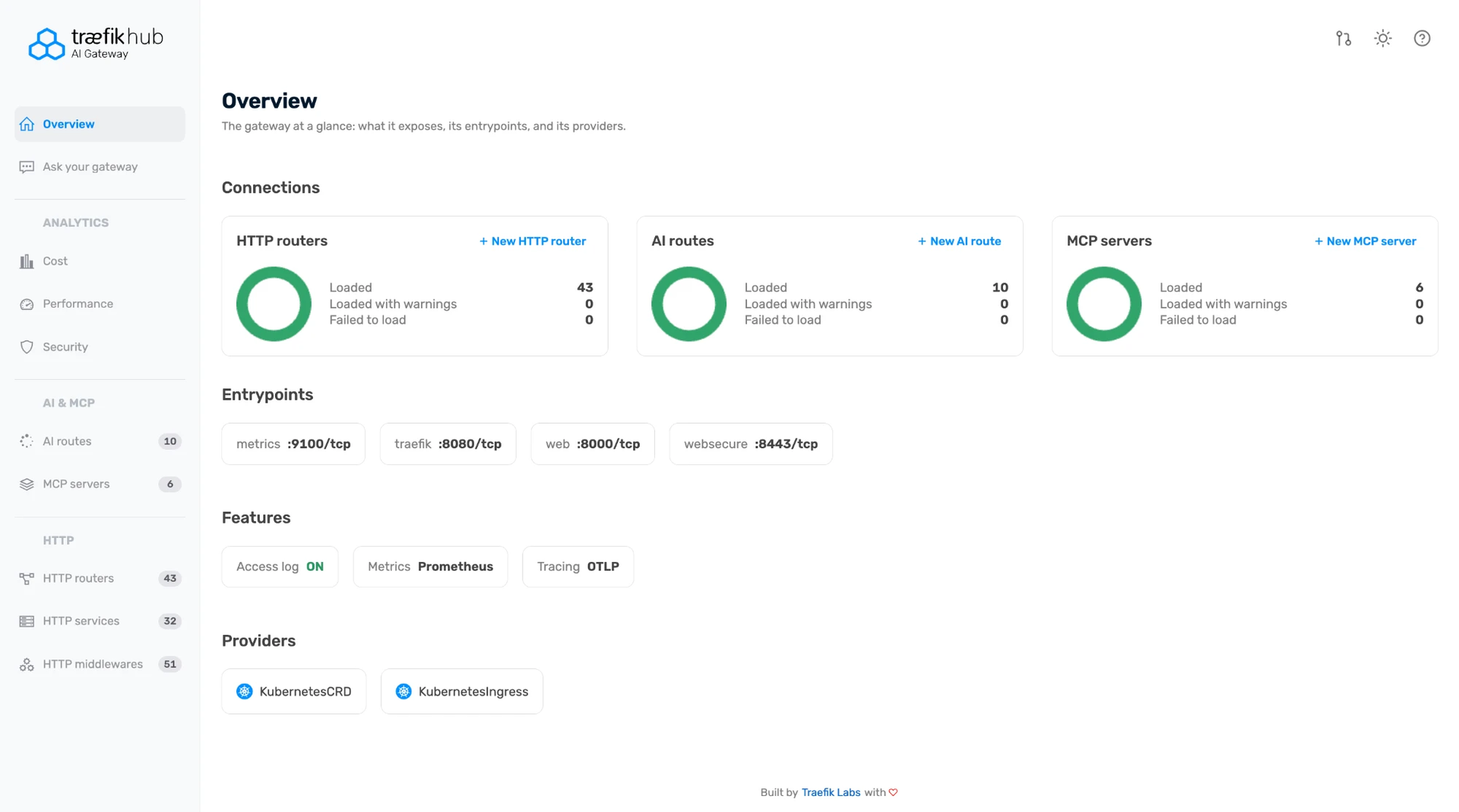
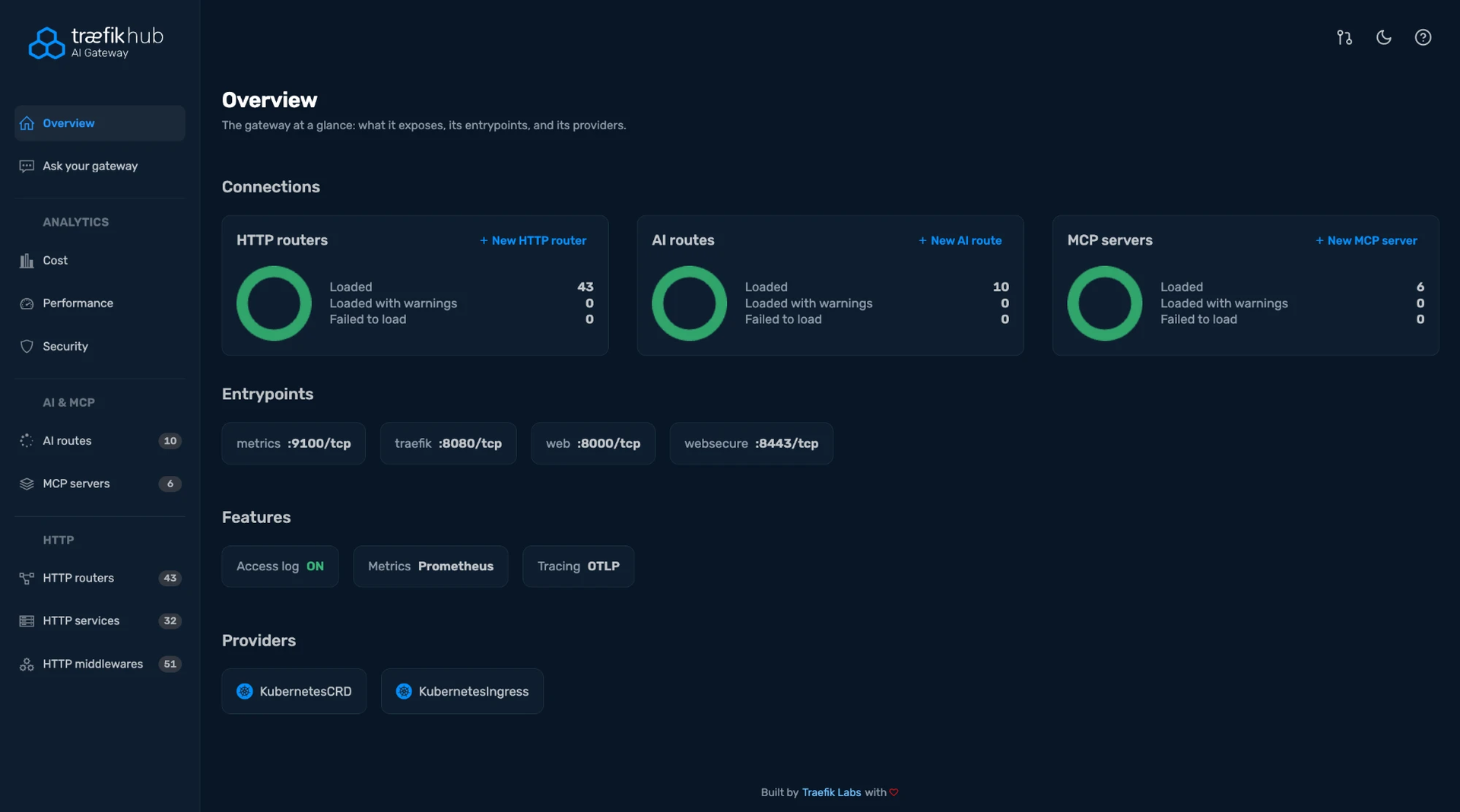
The Overview page shows your gateway at a glance. It lists how many HTTP routers, AI routes, and MCP servers are loaded, its entrypoints, enabled features like access logs and tracing, and its configuration providers.
The following screenshot shows the Overview page.
Monitor cost, performance, and security
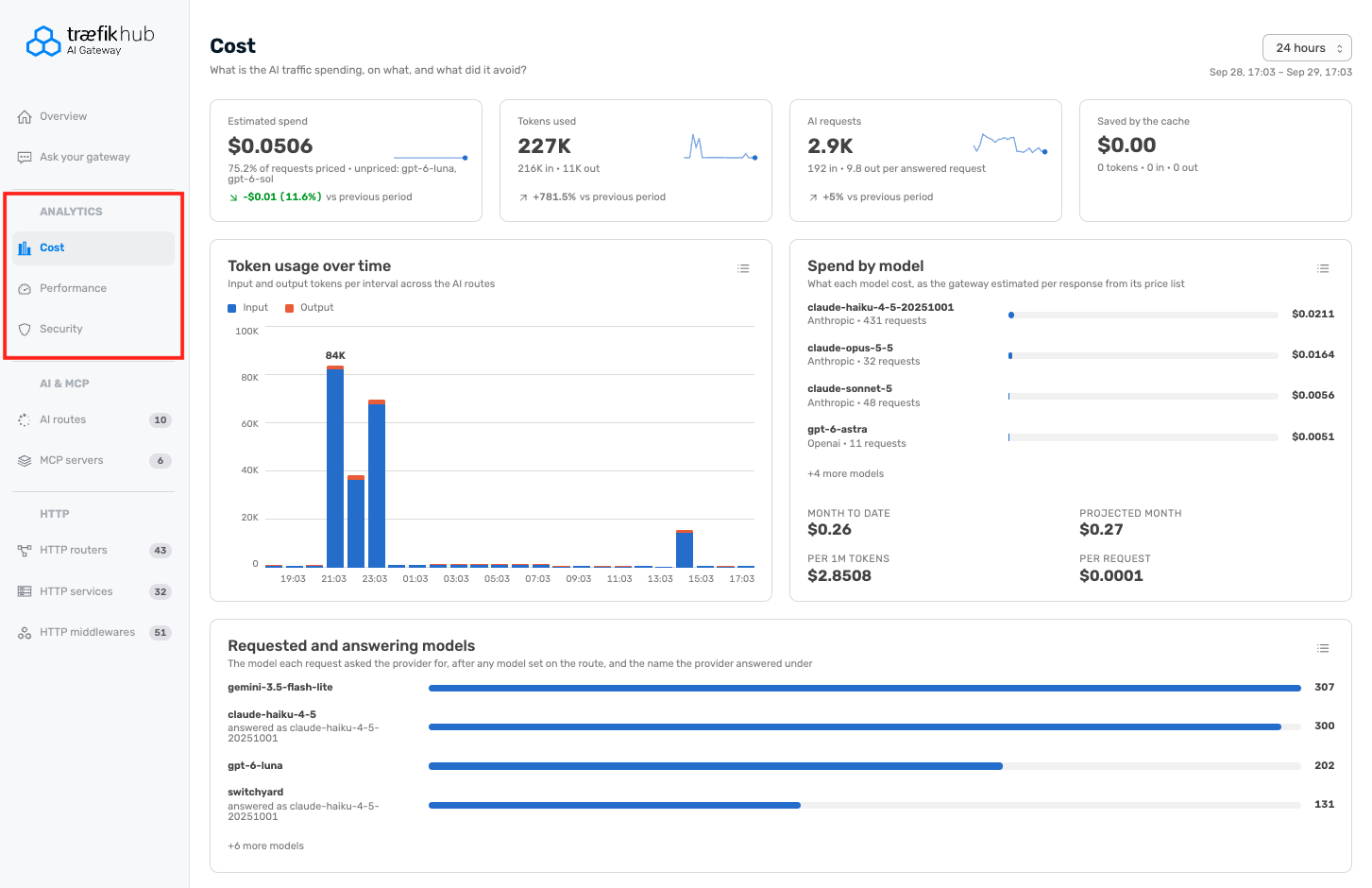
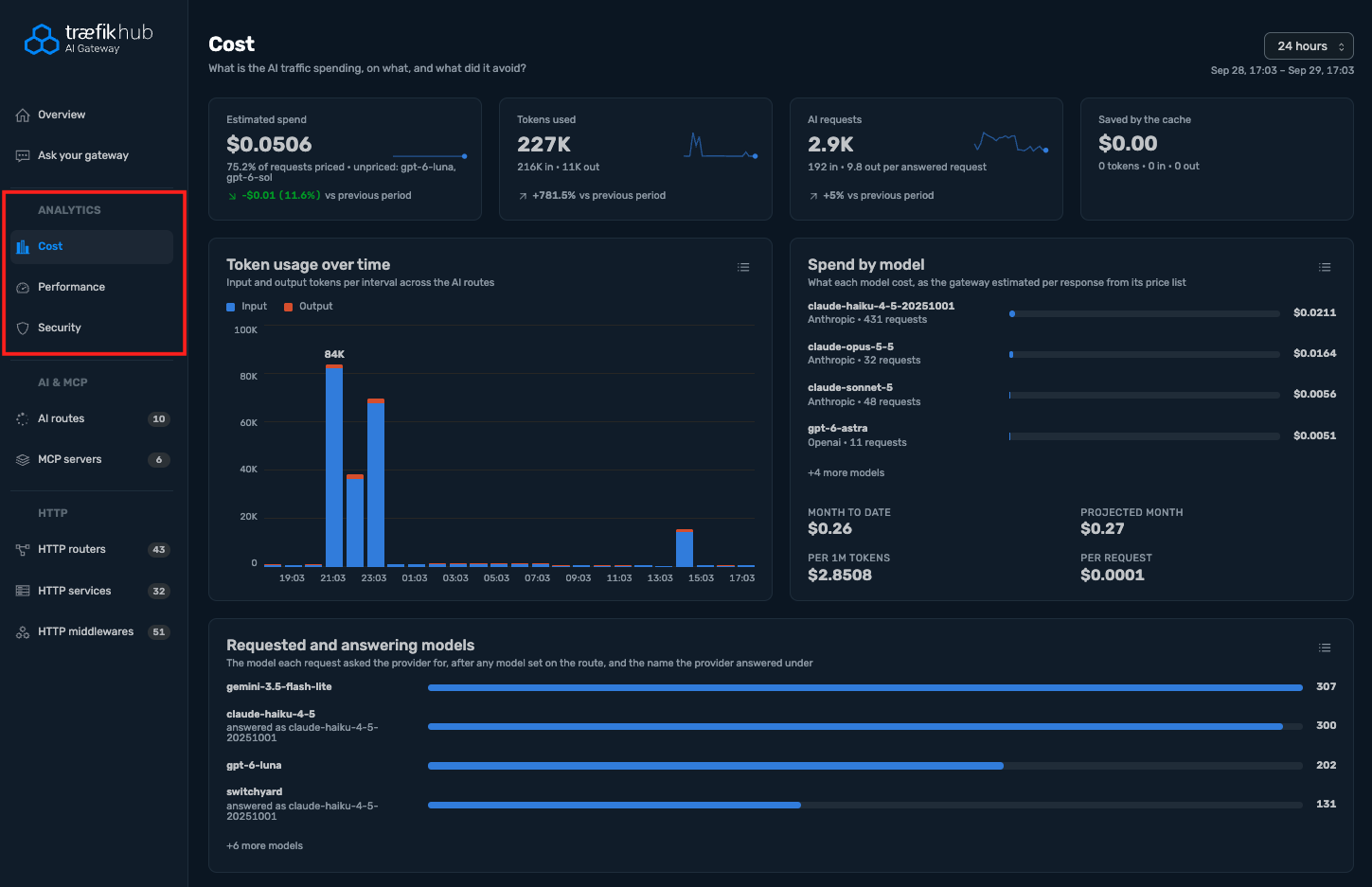
The Analytics section displays metrics for the following:
- Cost: what your AI traffic spends, using the gateway's own per-response price estimate.
- Performance: traffic, latency, and errors by route.
- Security: guardrail activity across your gateway.
The following screenshot shows the Cost page under Analytics.
Manage HTTP, AI, and MCP routes
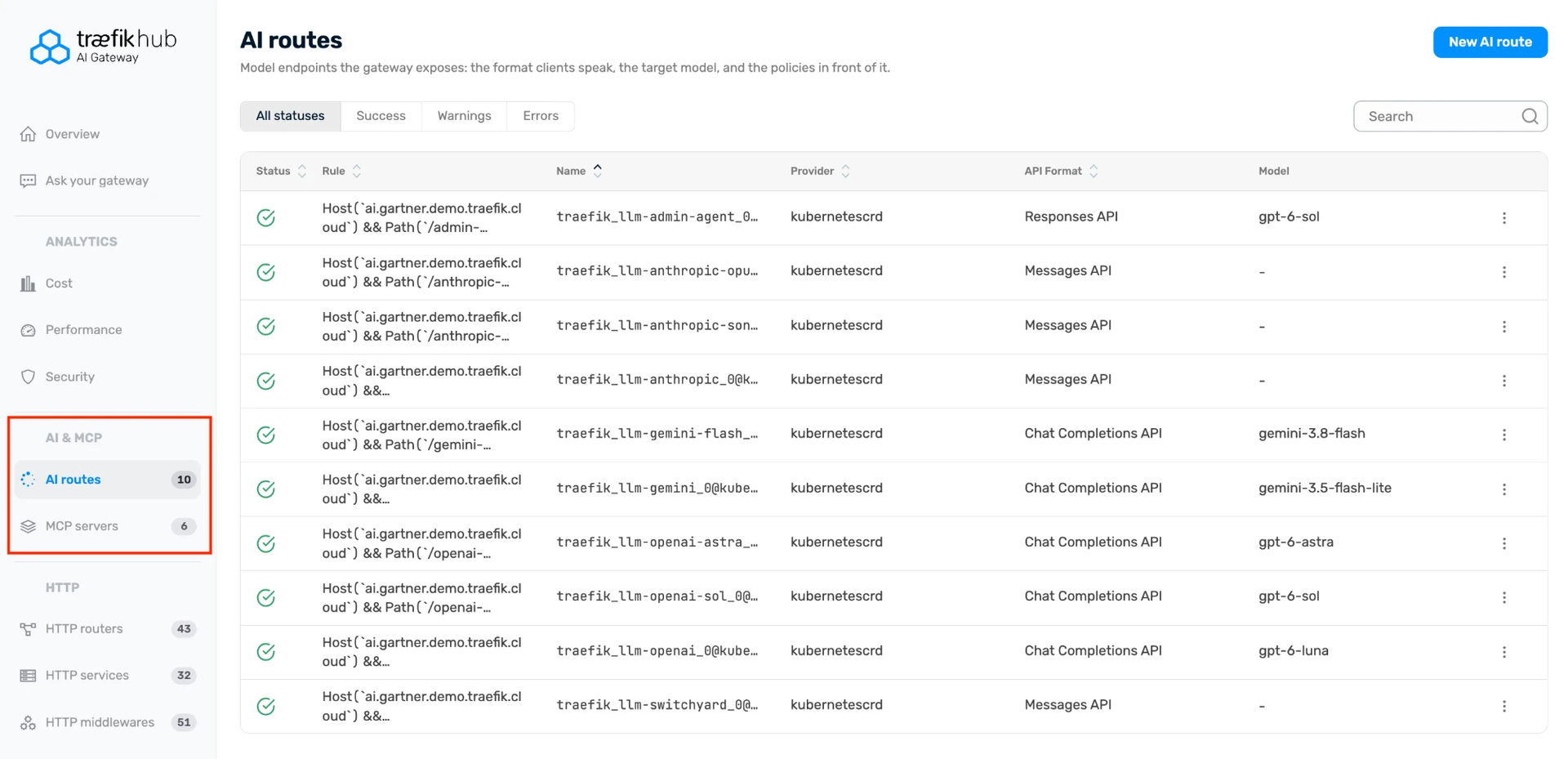
The AI & MCP and HTTP sections let you view, create, and edit the following:
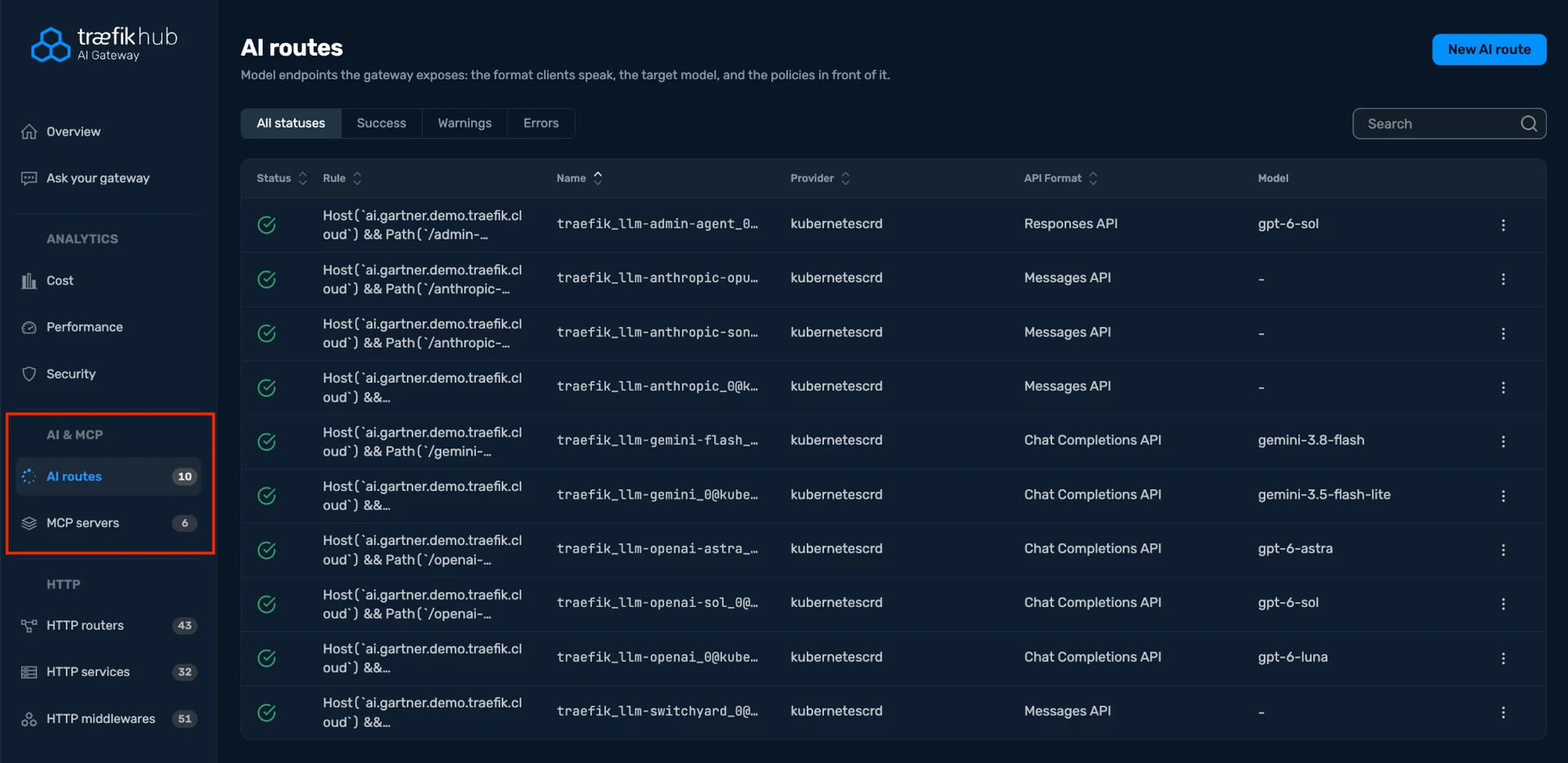
- AI routes: the routes serving your LLM and AI traffic.
- MCP servers: the MCP servers exposed through your gateway.
- HTTP routers, services, and middlewares: your standard HTTP traffic configuration.
The following screenshot shows the AI routes page.
Manage changes through your GitOps workflow
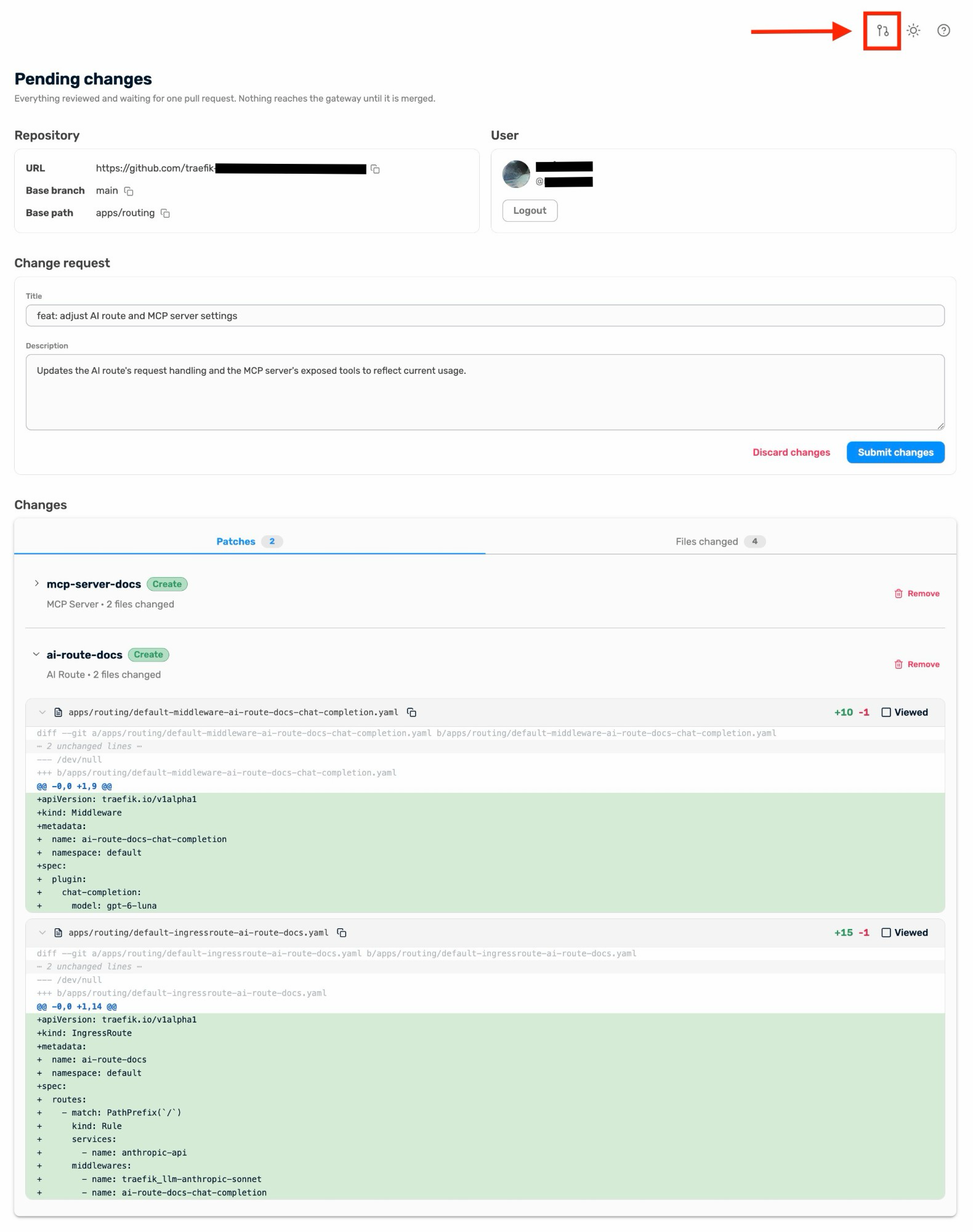
The Administration UI follows a GitOps workflow. Your Git repository stays the source of truth for your gateway's configuration, so changes made through the UI go through the same review your team already trusts for code. Create or edit an AI route, MCP server, or HTTP resource, and the Administration UI opens a pull request in GitHub under your own account instead of writing directly to your cluster. Your team reviews it like any other change, and merging it applies it to your gateway.
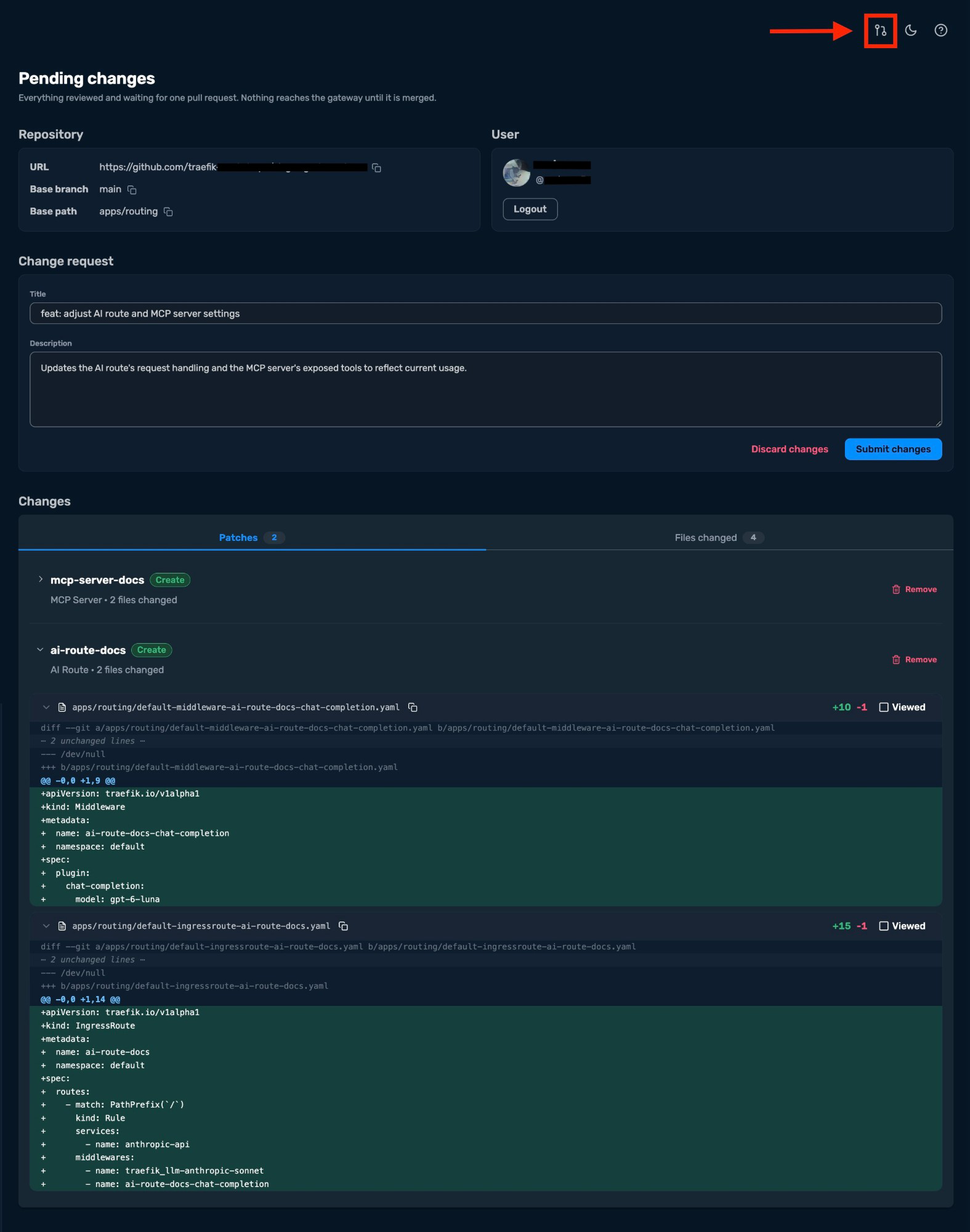
The following screenshot shows the Pending changes page, where you review and submit your changes as a pull request.
Ask your gateway
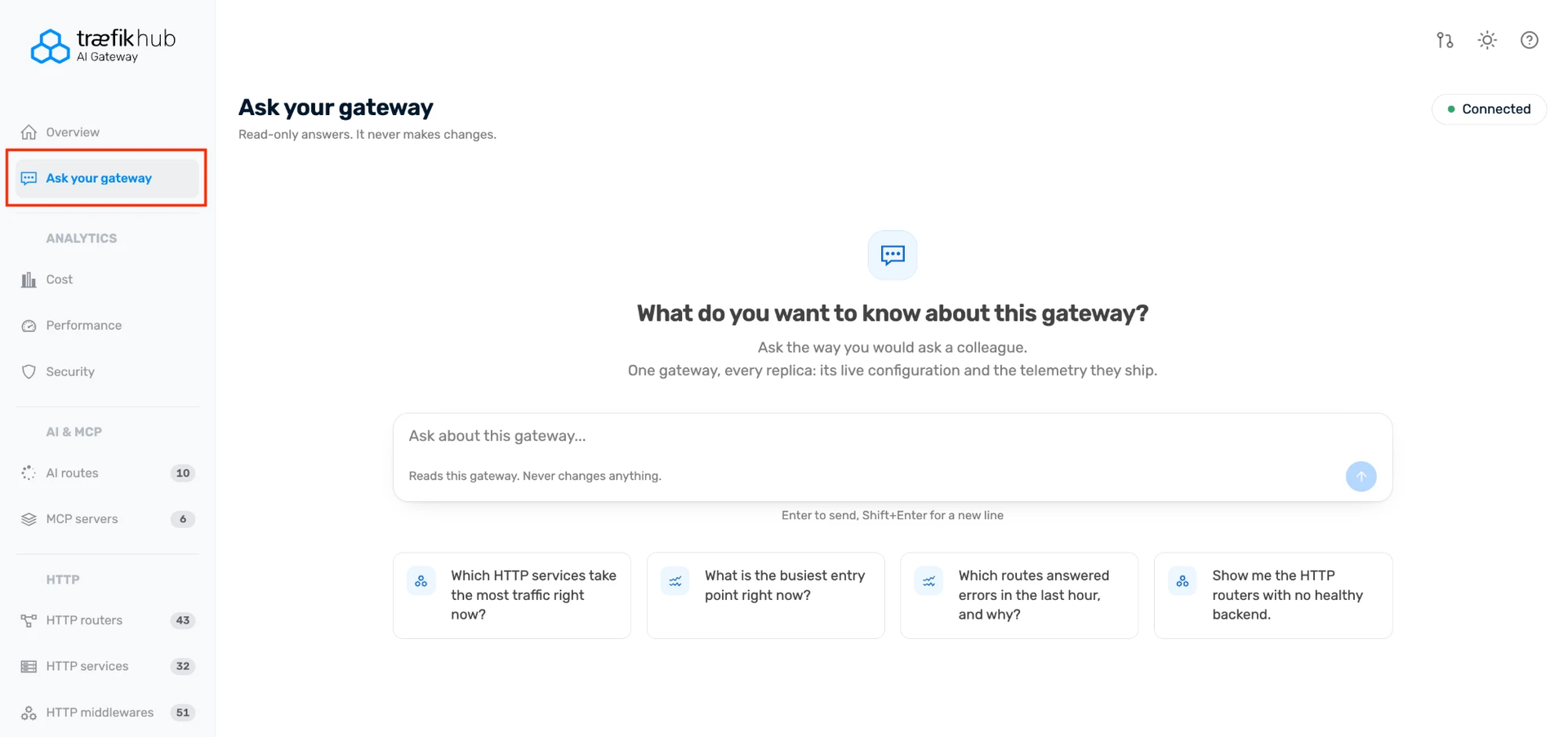
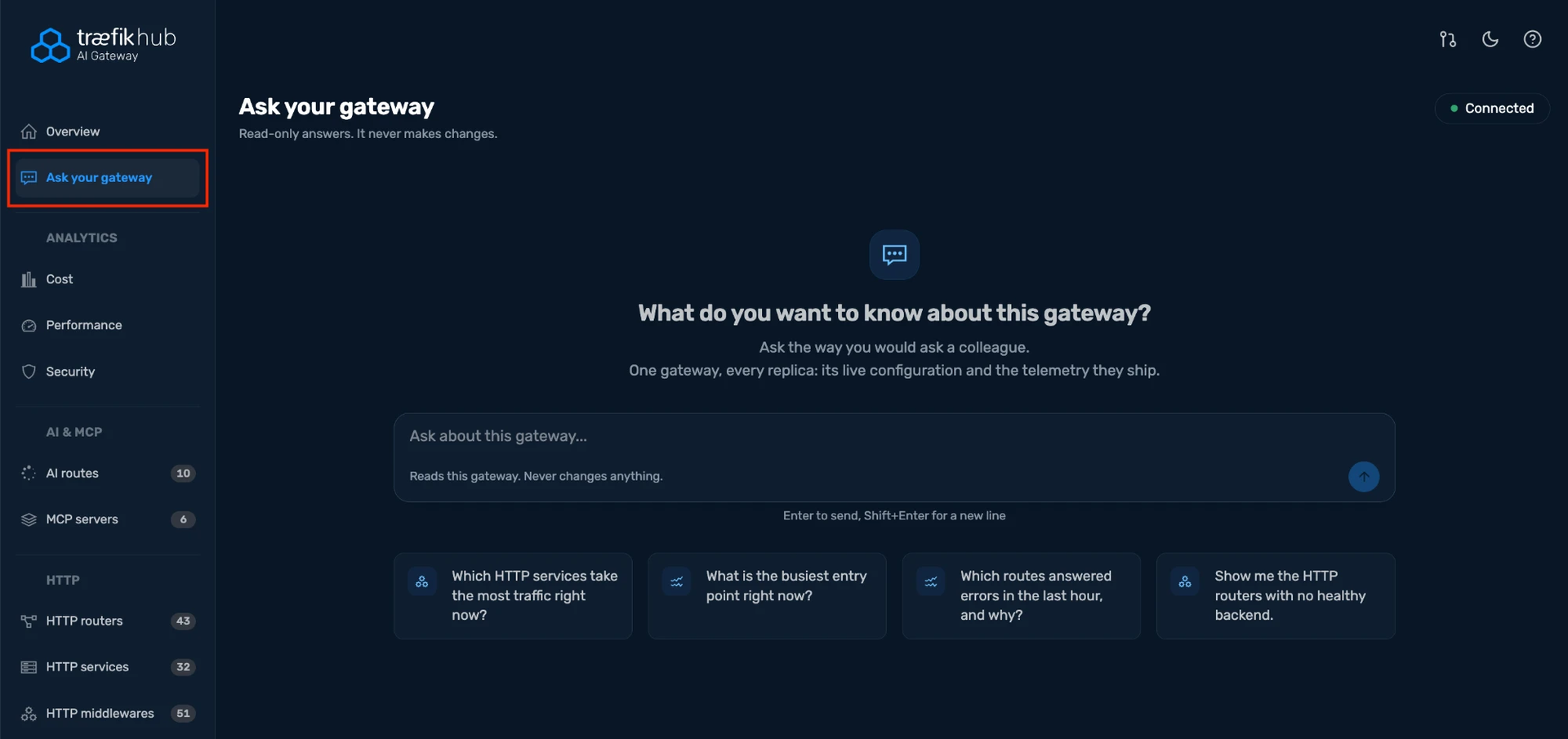
The Ask your gateway page answers questions about your gateway in plain language. It reads your live configuration and telemetry through the Traefik MCP Server, across every replica of your gateway, so you can debug your infrastructure without switching between views. Answers are read-only. Asking a question never changes your configuration.
The following screenshot shows the Ask your gateway page.