Offline Mode
Traefik Hub API Gateway's Offline Mode allows you to deploy and operate gateways without requiring connectivity to the Traefik Hub Online Dashboard. This is particularly useful for air-gapped environments, regulated industries, or scenarios where external communication is restricted.
Offline Mode can only be enabled when creating a new gateway. You cannot switch an existing gateway to offline mode.
Prerequisites
- License Requirement: Offline Mode is a licensed feature. Access to this feature must be granted by the Traefik Labs sales team.
- Token: Your gateway token must include the offline claim to enable this feature.
Enabling Offline Mode
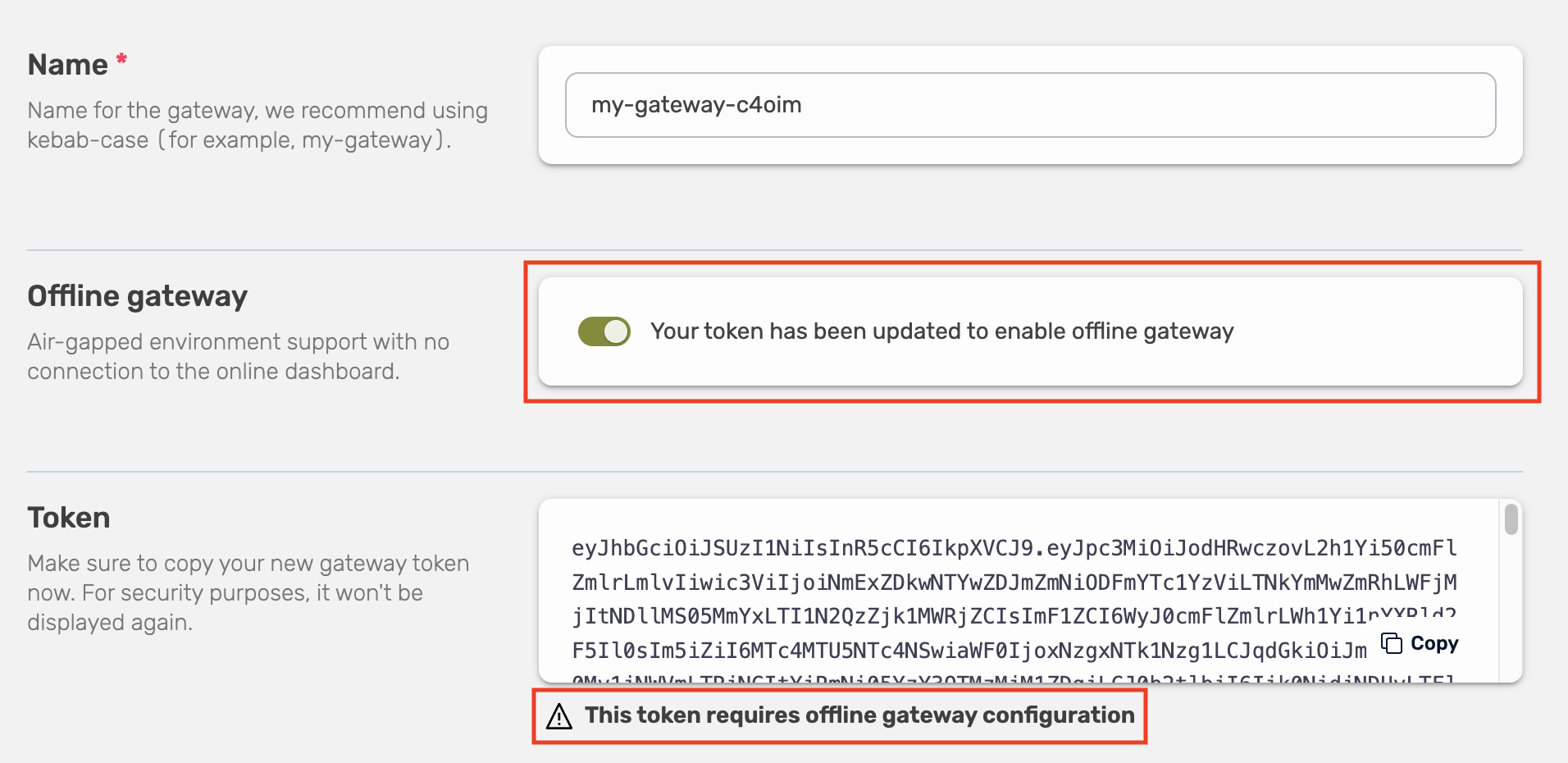
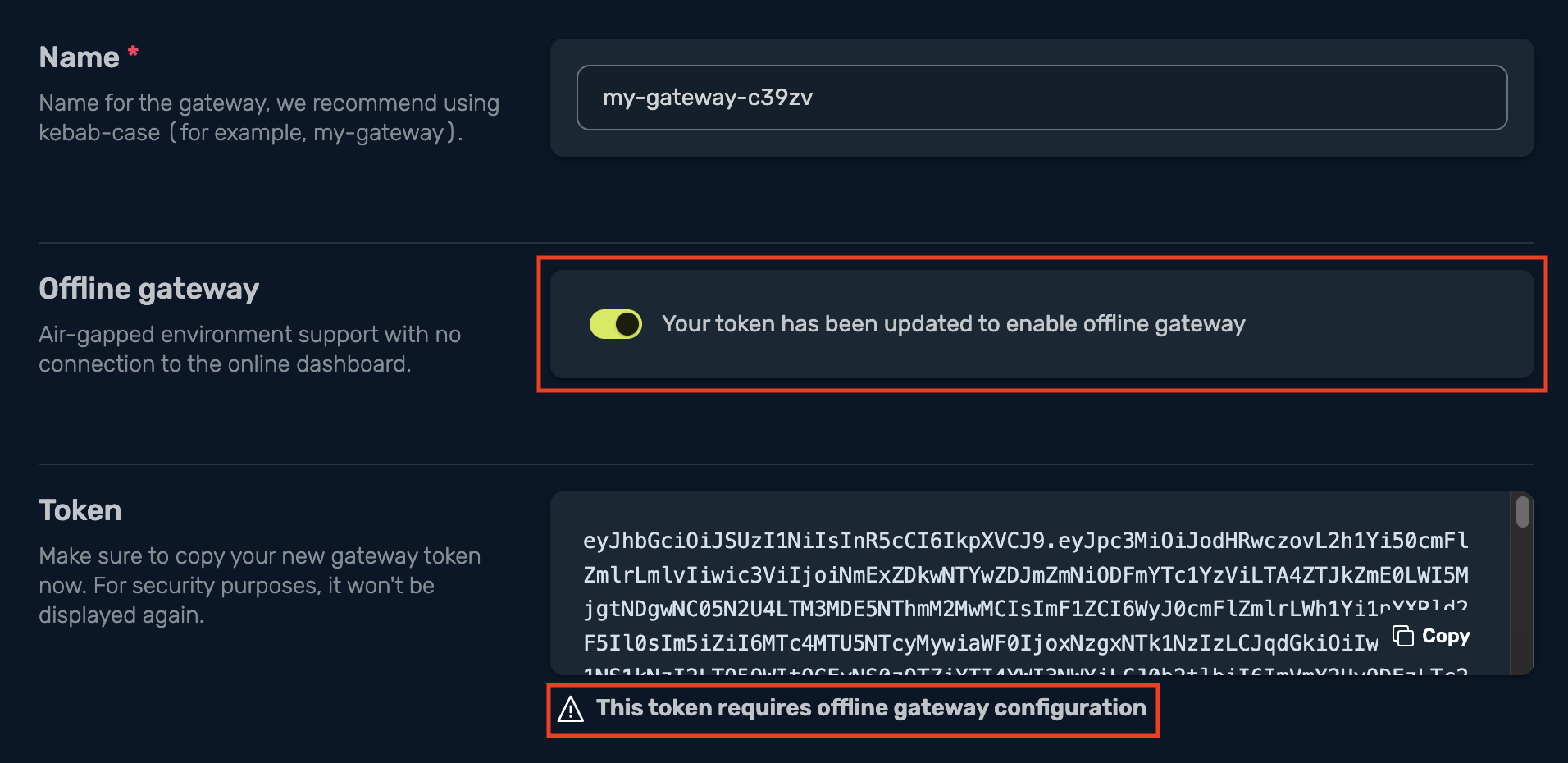
Offline Mode is enabled through the Traefik Hub Online Dashboard during gateway creation. When you toggle the Offline Mode option, the platform automatically updates your token with the necessary offline claim.
Step-by-Step Process
-
Navigate to Traefik Hub Online Dashboard: In the Traefik Hub Online Dashboard, go to the Gateways section and select "Create new gateway".
-
Configure Gateway Settings: Fill in your gateway name and other details.
-
Enable Offline Mode: Enable the "Offline gateway" option in the gateway creation form. This action automatically updates your token to include the offline claim.
-
Copy Updated Token: Once offline mode is enabled, copy the updated token that now includes the offline configuration.
-
Deploy with Token: Use the updated token when deploying your gateway:
- CLI
- Helm Values
traefik-hub --hub.token=<your-updated-token> --hub.offline=true
hub:
  token: "<your-updated-token>"
  offline: true
Gateway Status Confirmation
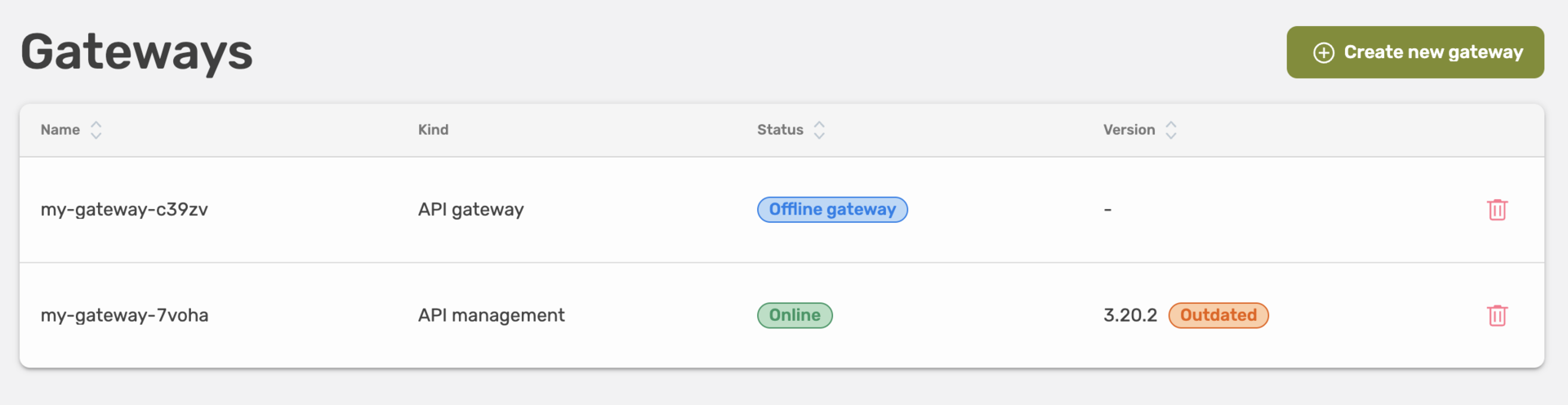
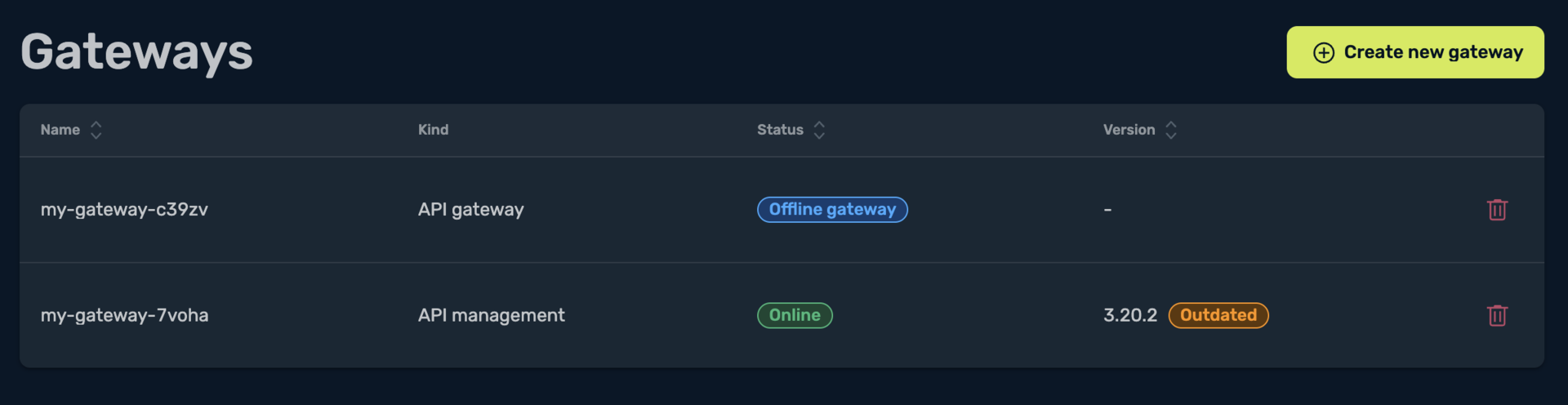
Once deployed, your gateway will appear in the dashboard with an "Offline gateway" status, confirming that it's operating without connectivity to the online dashboard.
Supported Platforms
Offline Mode is supported on the following platforms:
- Docker/Swarm
- Kubernetes
- Linux
- Nomad
Token Management in Offline Mode
In Offline Mode, the gateway relies solely on the local token. The Traefik Hub Dashboard automatically updates the token when you enable offline mode, ensuring it contains the necessary offline claim. Rotate the token before it expires to prevent service interruptions.
Token Validity
When using Offline Mode, the gateway relies entirely on the token provided at deployment time. This token includes all necessary claims for the gateway to operate without contacting the online dashboard.
Ensure your token is valid throughout the lifetime of your gateway.
A token is valid for 1 year. Once it expires, the gateway rejects the token and doesn't start until you provide a valid one.
Tokens are valid for 1 year, whether the gateway runs online or offline. Rotate the token before it expires to keep the gateway running. See Token Expiration for details, and Rotating Your Token for the steps.
Behavior Summary
| Scenario | Behavior |
|---|---|
| Valid token with offline claim | Gateway operates normally without connectivity to the online dashboard. |
| Expired token | Gateway rejects the token and does not start until a valid token is provided. |
Conclusion
Offline Mode provides a secure and reliable way to deploy and operate Traefik Hub API Gateways in environments with limited external connectivity. The automated token management through the Traefik Hub Dashboard ensures that your gateway receives the proper offline claims without manual token configuration.
